Open Graph Checker
Check how your pages look when shared on Facebook, Twitter/X, and LinkedIn. Validate Open Graph and Twitter Card meta tags.
Need optimized social sharing across your store?
Our team ensures every product, collection, and page has perfect Open Graph tags for maximum social engagement.
Get a Free Strategy CallHow It Works
Enter a page URL
Paste the URL of any page you want to check for social sharing optimization.
See social previews
View how your page appears on Facebook, Twitter/X, and LinkedIn feeds.
Fix issues
Follow the recommendations to add or fix missing Open Graph and Twitter Card tags.
WHAT YOU'LL SEE
See exactly what the Open Graph Checker delivers
A clear, actionable report in seconds. No signup. No email required. Watch the live preview below.
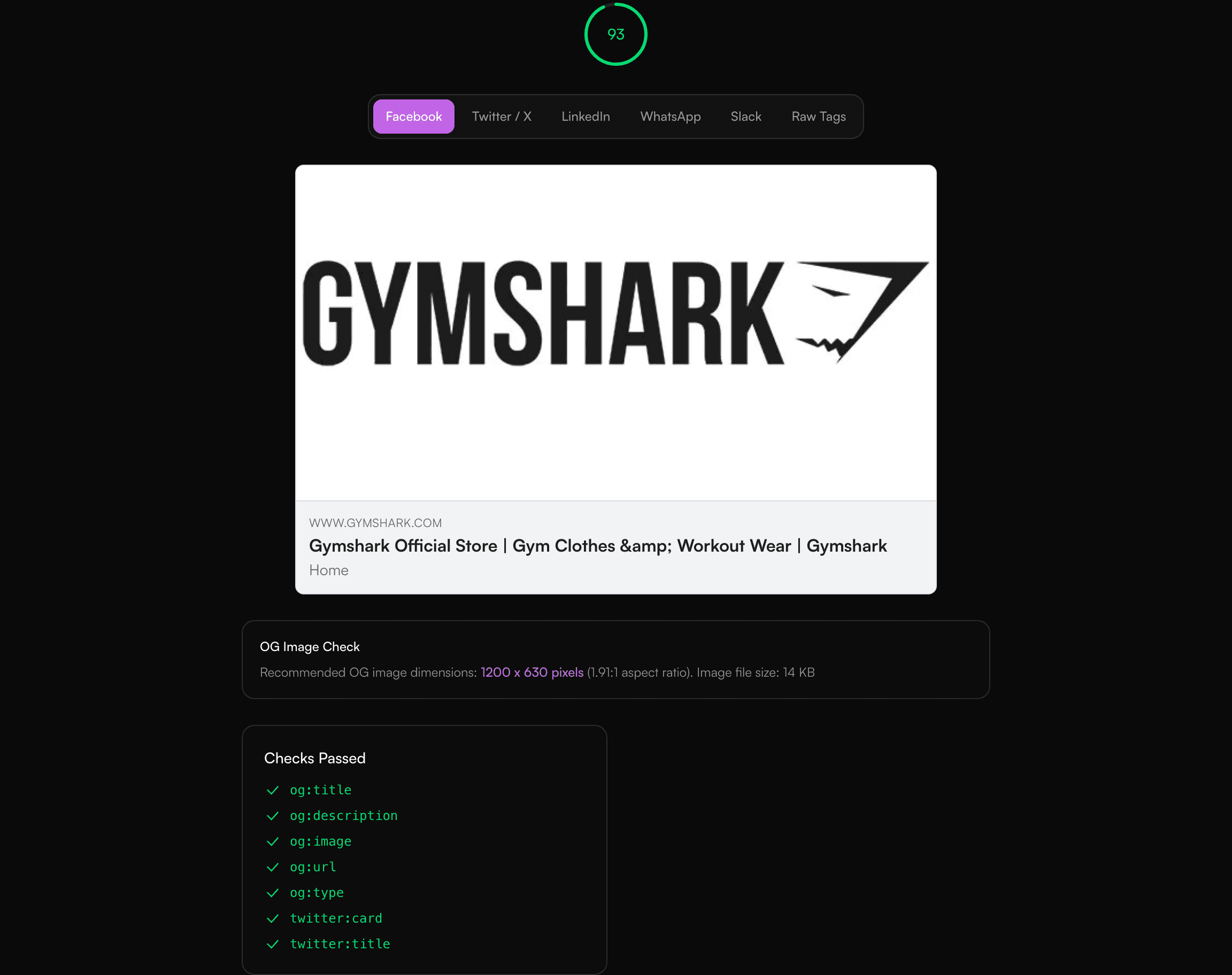
- Instant results, no signup required
- Clear pass/fail breakdown with severity
- Actionable fix recommendations, prioritised
- Works with any ecommerce platform
Frequently Asked Questions
What are Open Graph tags?
Open Graph tags are meta tags that control how your page appears when shared on social media. They define the title, description, and image shown in social previews.
Why is og:image important?
The og:image tag determines the preview image shown when your URL is shared. Pages without it often show broken or random images on social media.
What size should my og:image be?
Facebook recommends 1200x630 pixels for optimal display. Twitter recommends 1200x628 pixels for summary_large_image cards.
Do I need both OG and Twitter tags?
Twitter falls back to OG tags if Twitter-specific tags are missing. However, adding both gives you more control over each platform's preview.